
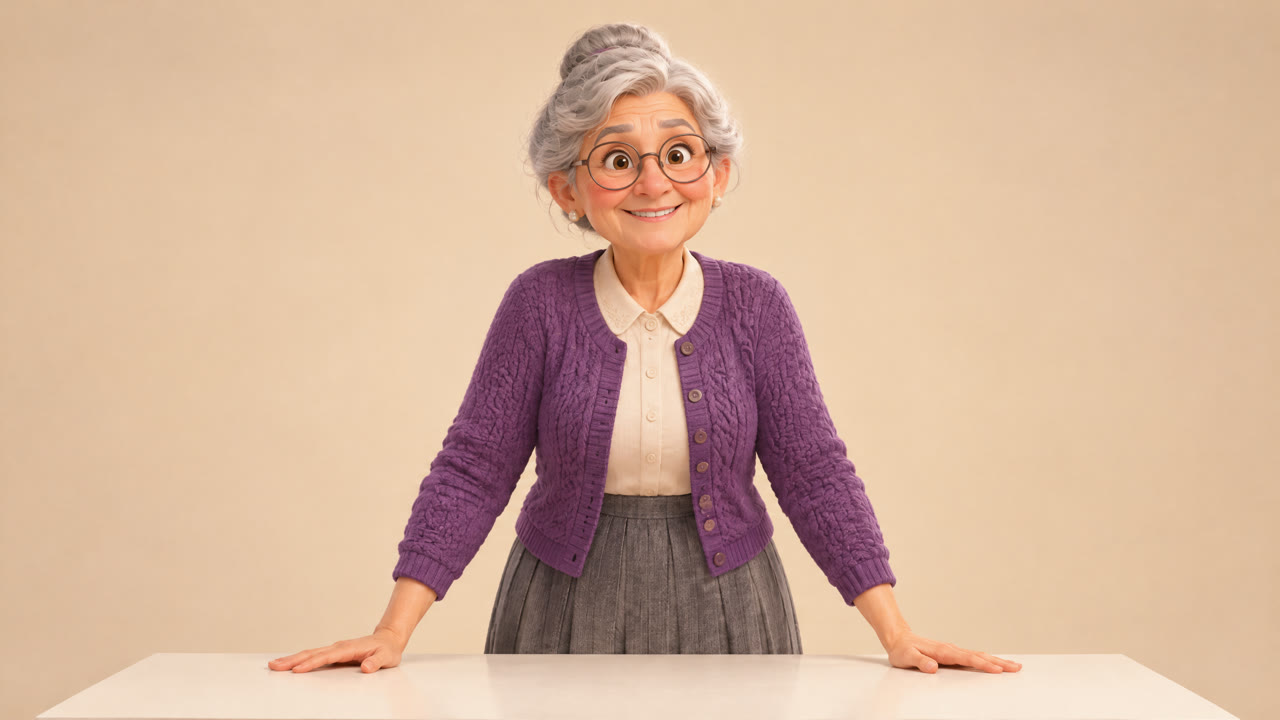
Character Animation AI
Describe the motion and the AI animates your character image, with sound. From 10 credits a clip.
Animate Characters✨ Create Consistent Characters with AI
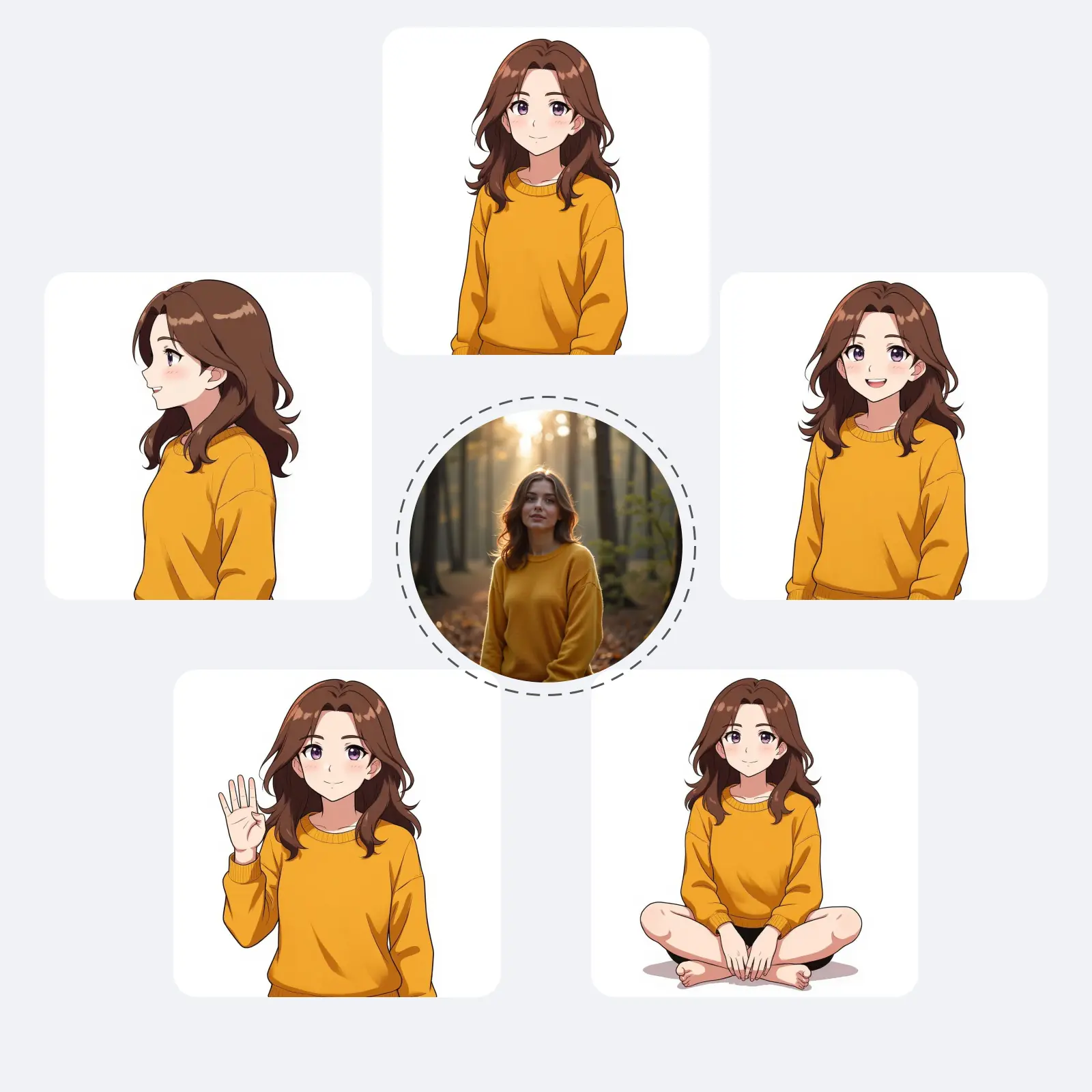
Turn a single photo into consistent character variations. Generate different poses, styles and backgrounds while keeping your character recognizable.

Upload your photo and create consistent characters instantly
Animate the characters you create: from a text prompt, or from a reference video.
Describe the motion and the AI animates your character image, with sound. From 10 credits a clip.
Animate Characters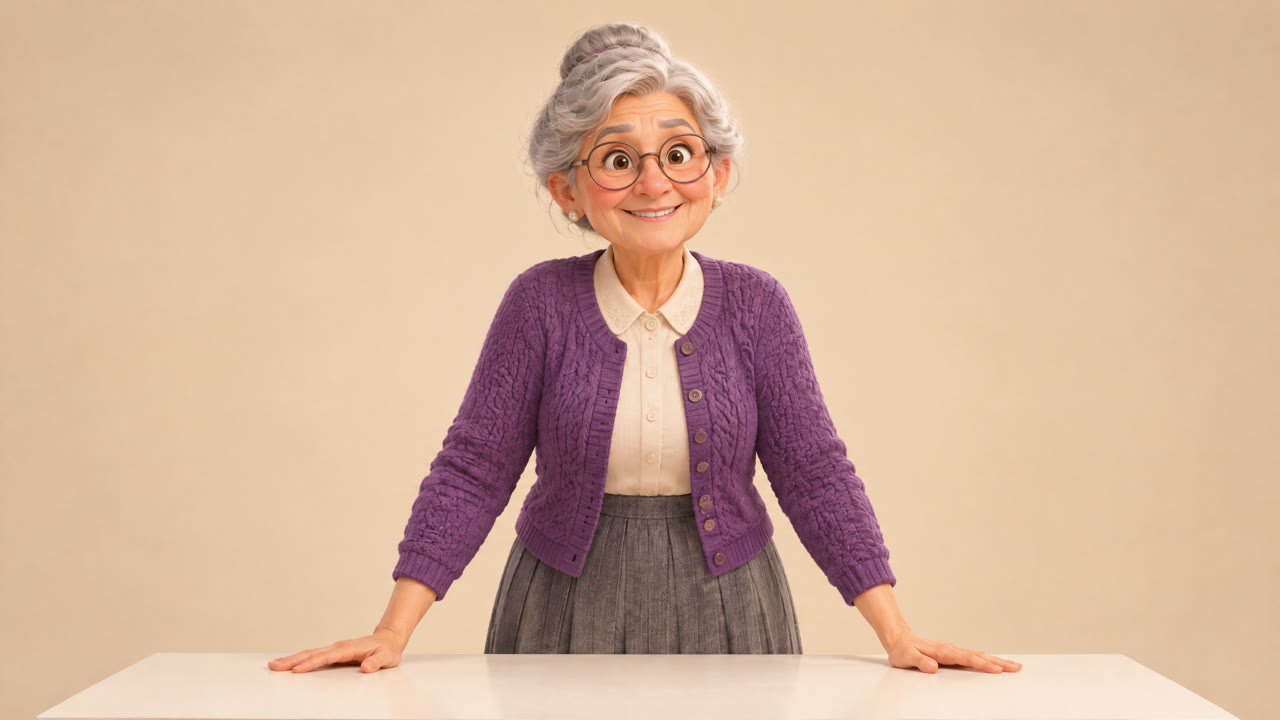
Make your character copy the movement in a reference video. Works best with steady, moderate motion such as gestures, talking and walking. From 6 credits a clip.
Transfer MotionSimple steps to generate your AI consistent character
Start with a clear, front-facing photo. Our AI character generator will use this to maintain consistency across all variations.
Tell our AI what variations you want - different poses, outfits, backgrounds, or styles. Be specific for best results.
Each run generates one image while the AI keeps your character consistent; download it, and run again for more variations.
AI image models built to keep your character consistent
The AI keeps your character's facial features, hairstyle and look across the variations you generate, so they read as the same person in each image. Results vary with the photo and the change you ask for.
Generate your character in different poses, expressions, outfits and environments, from headshots to action poses, while keeping the same identity.
Refine your character over several rounds: upload a result again as the next starting image and make targeted adjustments to expressions, poses or details.
Explore the power of AI consistent characters in various applications
Create your character in the pose or expression you need - here are a few examples
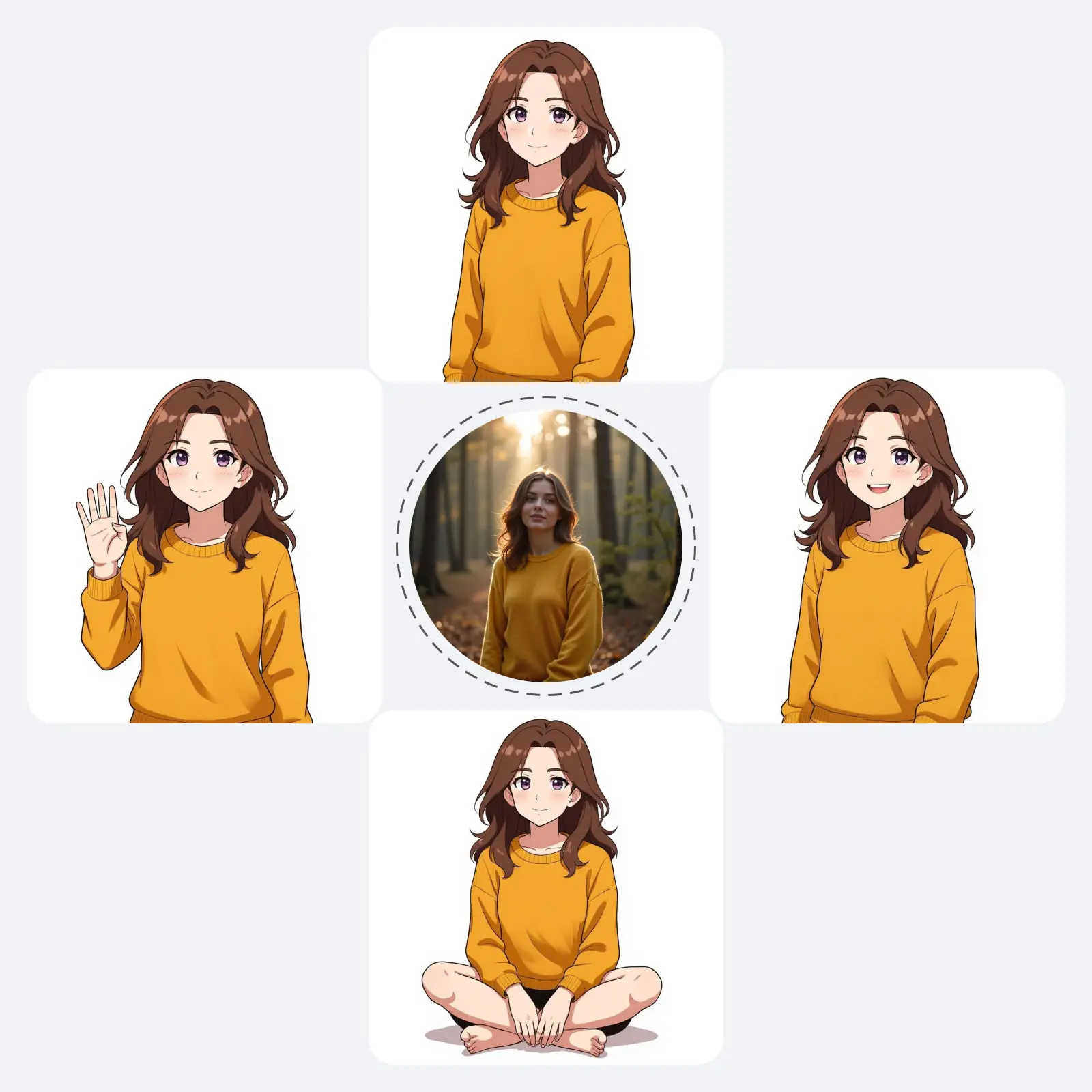
Turn your character into different artistic styles - a few examples below
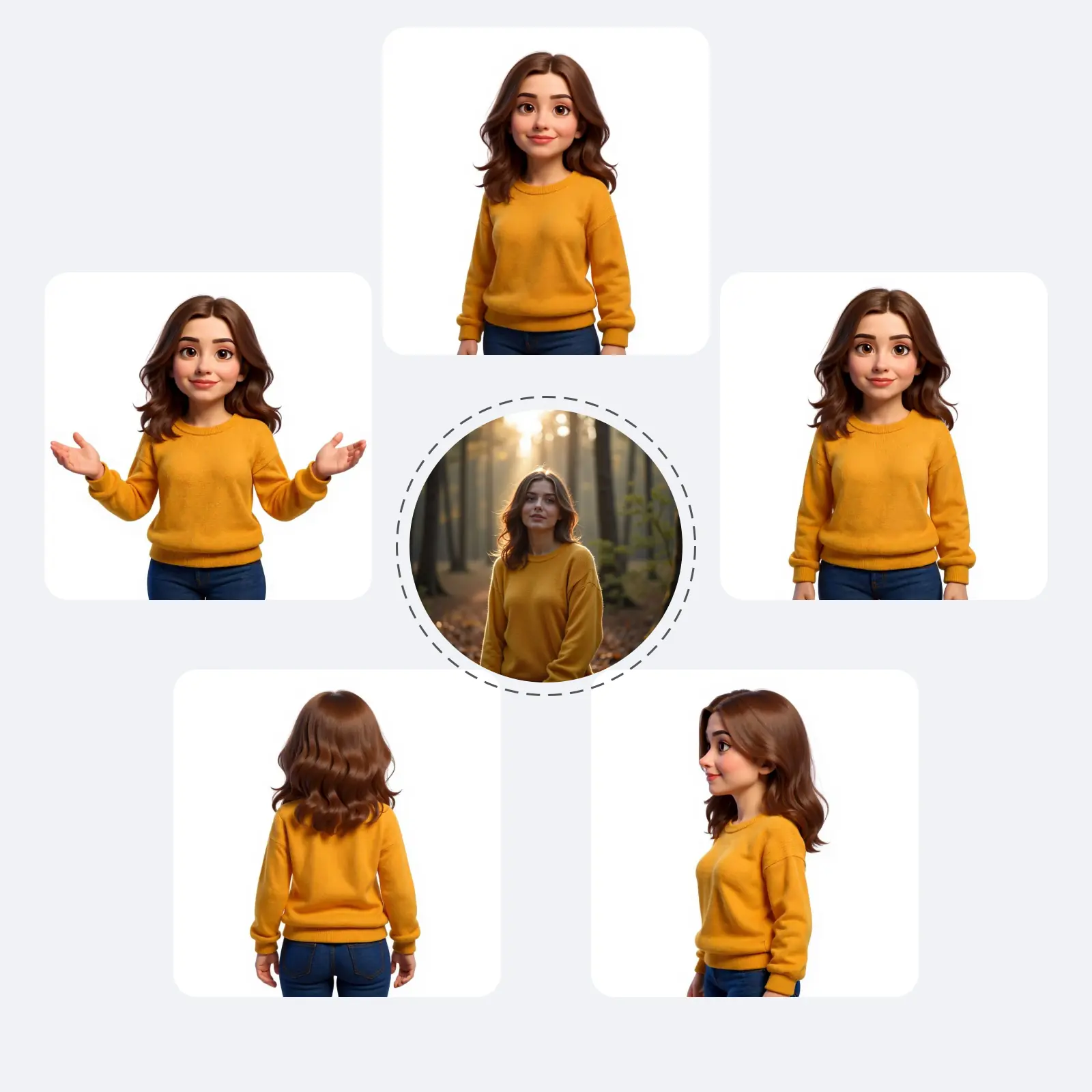
Place your character in different environments, from professional to creative settings
Dress your character for different occasions or eras
Everything about creating AI consistent characters
Need Help? help@aiconsistentcharacter.com
In our context, consistent means keeping the same facial features, identity and core characteristics of a person across generated images. The AI aims to keep your character looking like the same person whether they're smiling, wearing different clothes or in different poses. Results can vary, so a clear photo and a specific prompt help.
Consistent Character AI generates variations of the same character while keeping their identity. Unlike regular AI generators that create random people, it starts from your photo and keeps the same facial features and characteristics in its outputs.
Creating consistent characters with AI is simple: 1) Upload a clear photo of your character, 2) Describe the variation you want (pose, outfit, background), 3) Generate: each run makes one image, so run again for more versions. The key is starting with a good base photo and being specific in your descriptions.
For best results: Use high-quality, well-lit photos as your base. Be detailed in your prompts - specify exact poses, expressions, and settings. Use consistent lighting descriptions across variations. Start with simple changes before attempting complex transformations.
You can start for free. New users receive 2 free credits on signup, valid for 30 days, with no credit card required: enough for two images in Lite mode (1 credit each). Standard costs 2 credits and Professional 4; credit packs and plans are available when you need more.
Our AI character generator is useful for: character design for games and stories, consistent avatars for social media, headshots in different styles, marketing materials with the same model, educational content with consistent characters, and more.
It uses AI image editing models that take your photo as the reference and change only what your prompt asks for, such as the pose, the expression or the style, while keeping the character's features. The Standard tab works from one photo; the Pro tab can take several reference photos for a closer match.
Our AI consistent character generator supports the most common image formats: JPG, PNG, and WebP.
Choose based on your needs: Lite mode is the most economical option, suited to simple changes and to trying the tool with your signup credits. Standard mode offers balanced quality for most use cases. Professional mode gives the highest quality, for when Standard results need more refinement.
1Reference images
Up to 1 · JPG, PNG or WebP, max 10MB each.
2Describe the change
Quick templates:
3Model & output
Mode
Most affordable
Aspect ratio
Lite · Auto · 1 credit